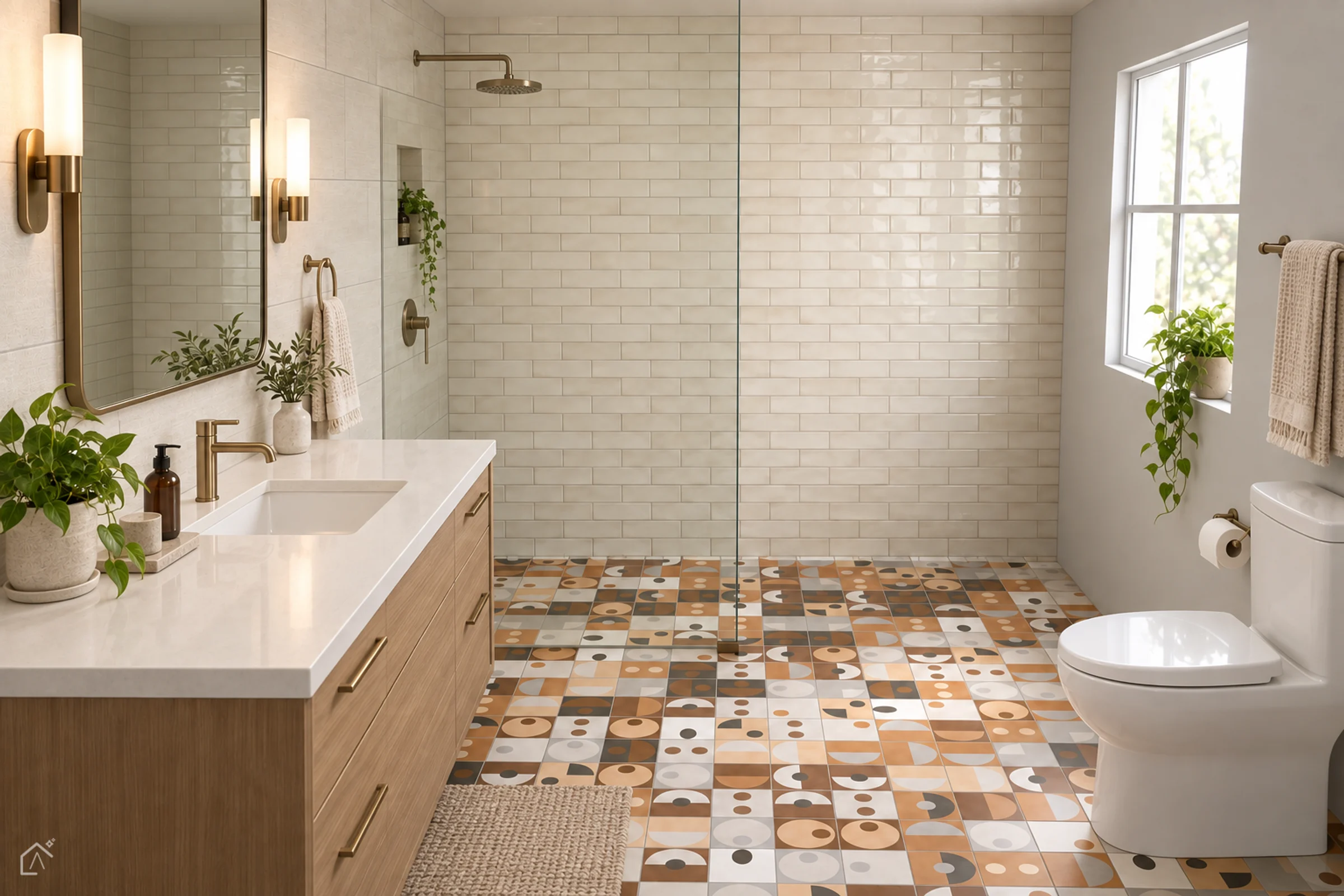
Nemo Tile + Stone Studio
See Nemo tile
in your space
Lay any Nemo tile in any pattern and watch the room update live, at true scale. Render it photoreal, then send the spec sheet to your Nemo rep.
AI visualization for illustration
From the Nemo Design Guide
Choose a room
Three rooms modeled on project types in Nemo’s Design Guide, each opening on a curated look. Every surface carries real dimensions, so tile lands at true scale.
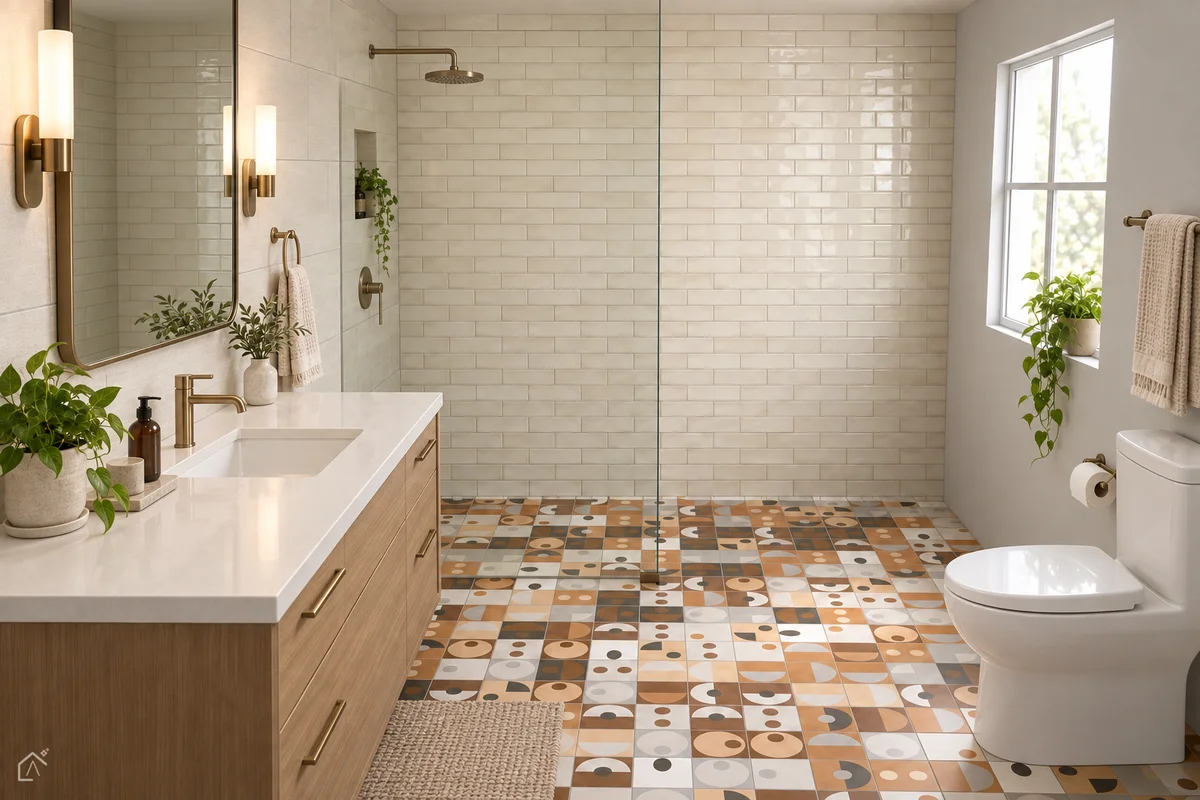
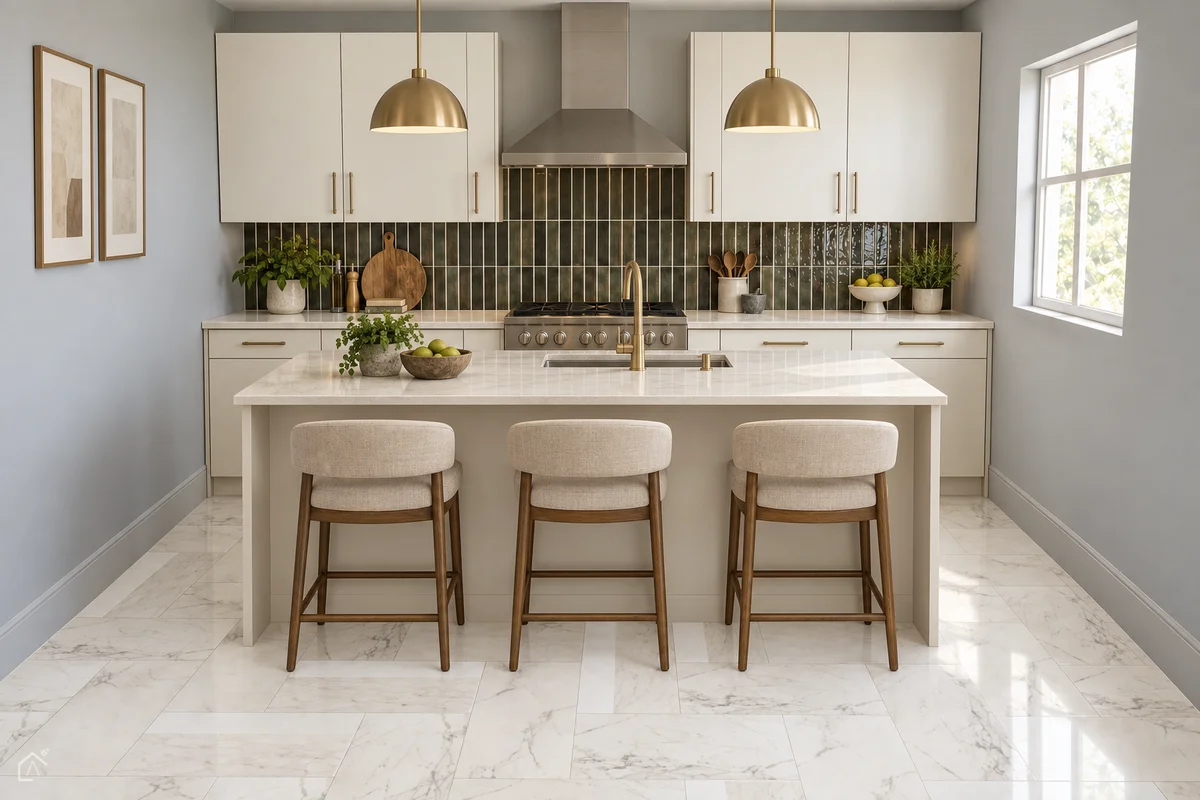
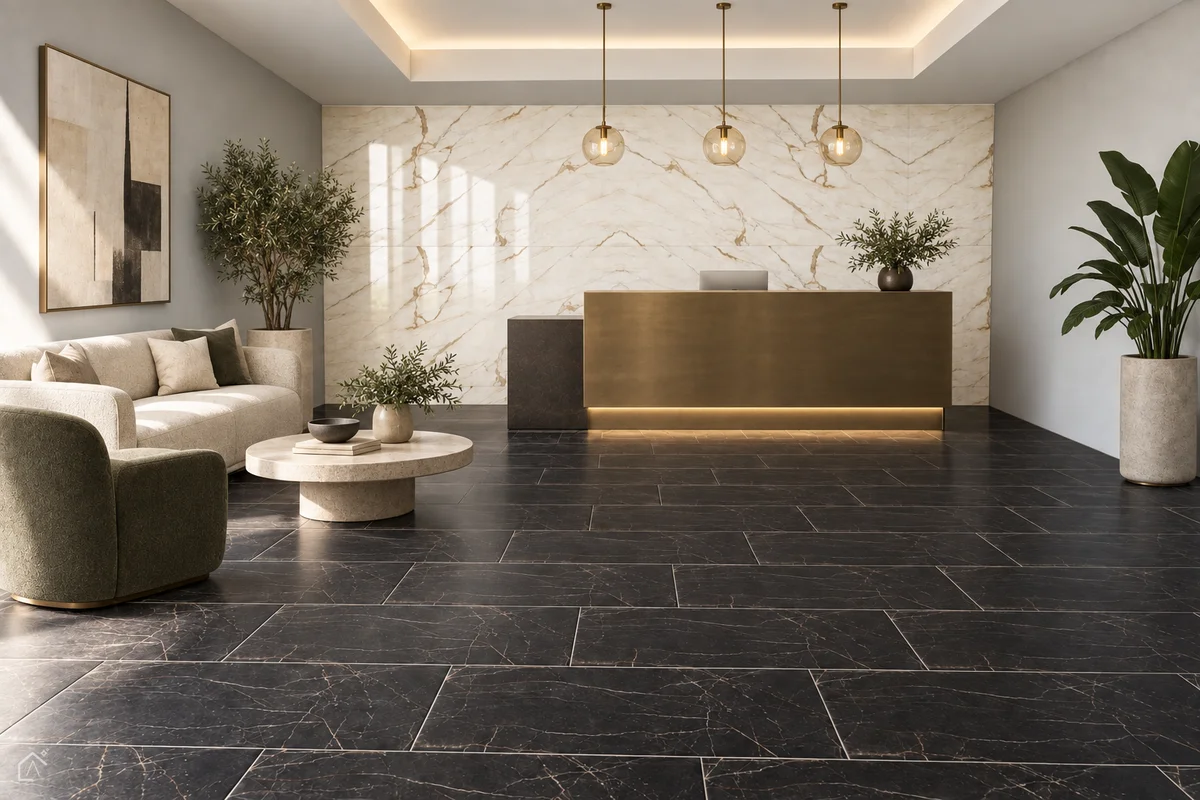
Start by material
Choose a material and the studio opens with it preselected.
How it works
- 01
Pick a room or a plan
Start from a Design Guide room, or upload a floor plan as a PDF or a photo.
- 02
Choose Nemo tile
Filter the Nemo catalog by material and application, from wall tile to pavers and porcelain slab.
- 03
Play with the pattern
Rotate, flip and set the layout: stack, brick, herringbone, hexagon and more. The room updates live.
- 04
Render, finish, share
Render the room photoreal, add finishing, then share your spec sheet and request samples.
Have a question?
Your Nemo rep confirms sizes, finishes and availability for every selection, and can arrange samples.